Data and standards
- Confirm the identifier and variable data are correct.
- Confirm the symbology is permitted for the application.
- Validate check digits and GS1 Application Identifiers where applicable.
- Confirm human-readable information matches the encoded data.
Symbol geometry
- Use an appropriate X-dimension/module size.
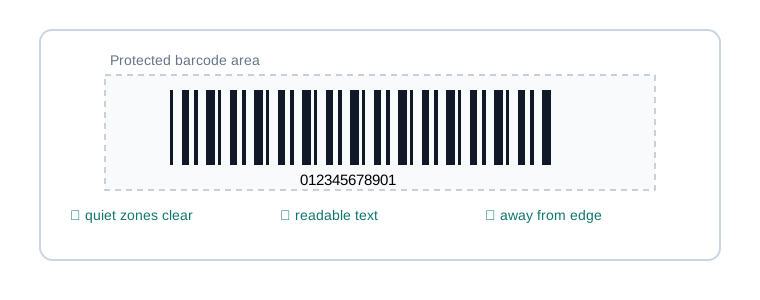
- Preserve required quiet zones on every relevant side.
- Do not distort the symbol to fit artwork.
- Maintain required linear-bar height.
Print system
- Confirm printer DPI can reproduce the chosen module size.
- Qualify media and ribbon together for thermal transfer.
- Use production speed and darkness settings during testing.
- Inspect for printhead voids, ribbon wrinkle and bar growth.
Placement and environment
- Avoid folds, seams, corners and severe curvature.
- Consider abrasion, moisture, chemicals, sunlight and temperature.
- Keep nearby graphics out of quiet zones.
- Test the label on the actual package or item.
Production approval
- Scan with the devices actually used in the workflow.
- Verify when a specification or risk level warrants it.
- Save an approved sample and configuration.
- Recheck after printer, media, ribbon or artwork changes.
Last reviewed: September 2026 · Educational guidance; confirm application-specific requirements with the applicable standard or trading partner.